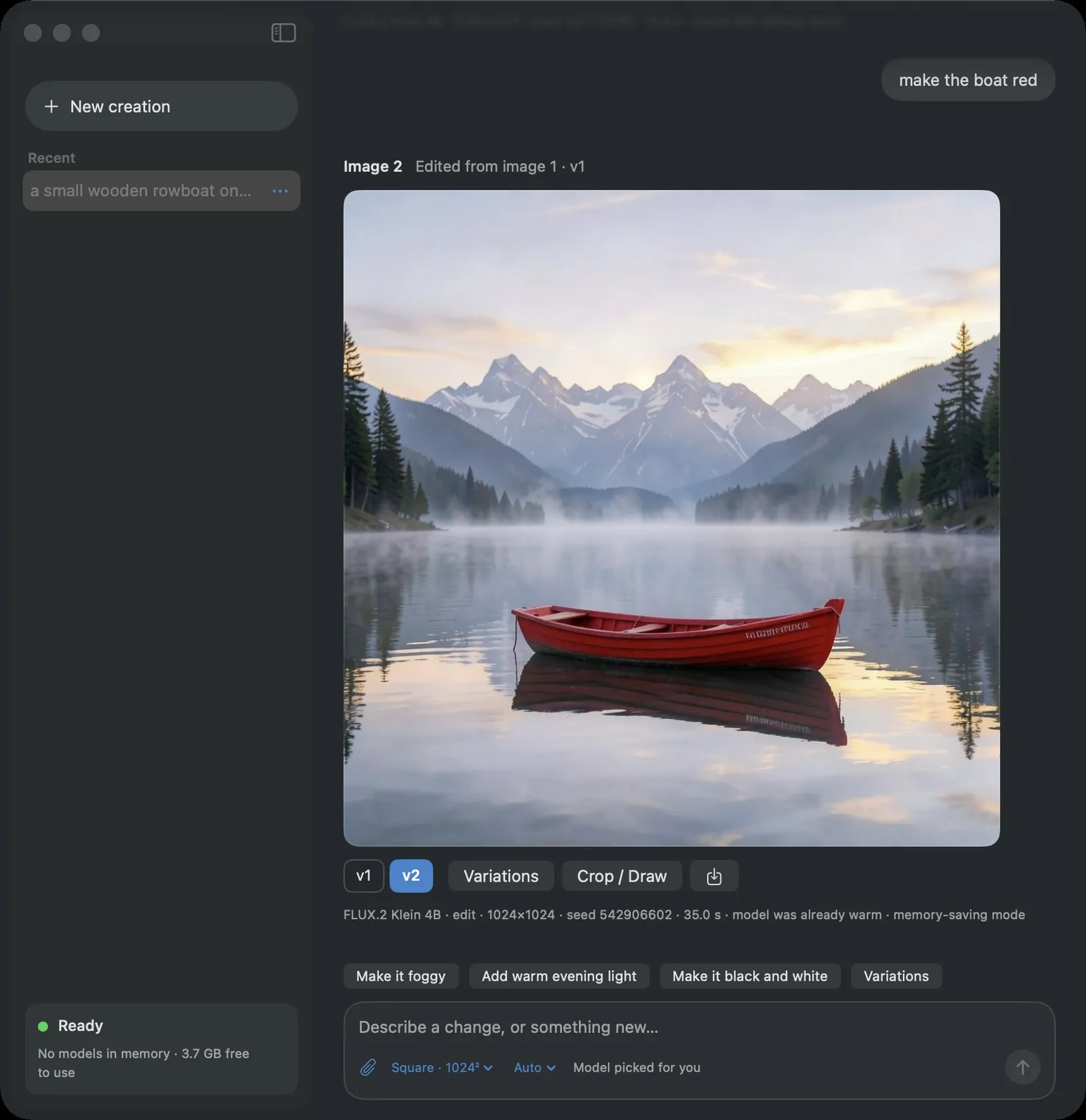
Ask in plain words. Get the image.
No masks, no prompt tricks. Each example is one chat with the model set to Auto, so the agent picked the model. Times are from an M5 Mac with 24 GB of memory.
 Before
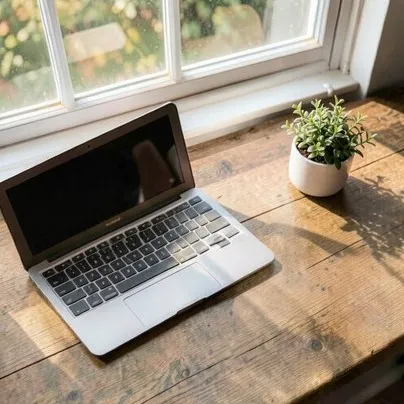 After
remove the coffee mug
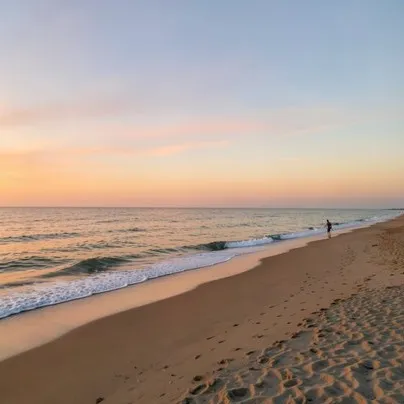 Before
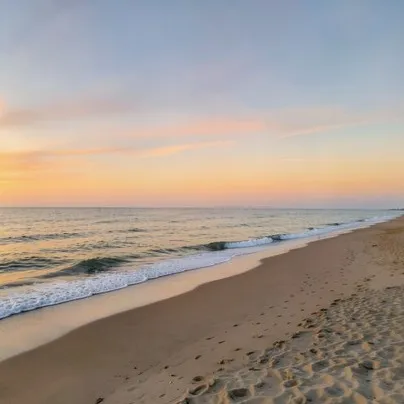 After
remove the person
 Before
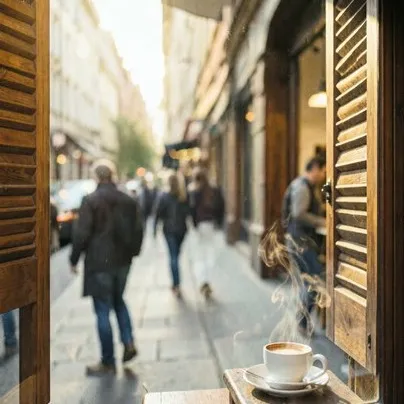 After
remove all the text from the window
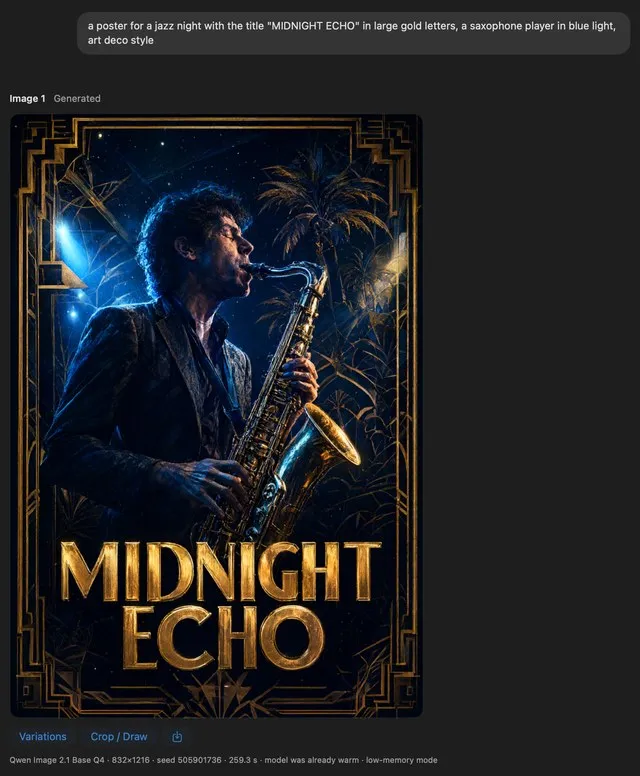
a jazz night poster, MIDNIGHT ECHO in large gold letters
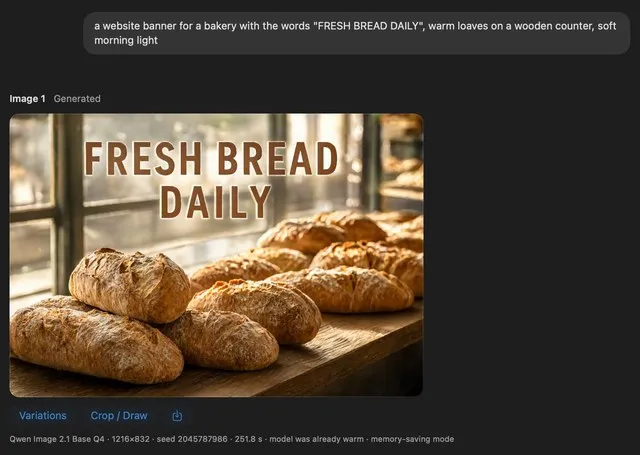
a bakery banner with the words FRESH BREAD DAILY
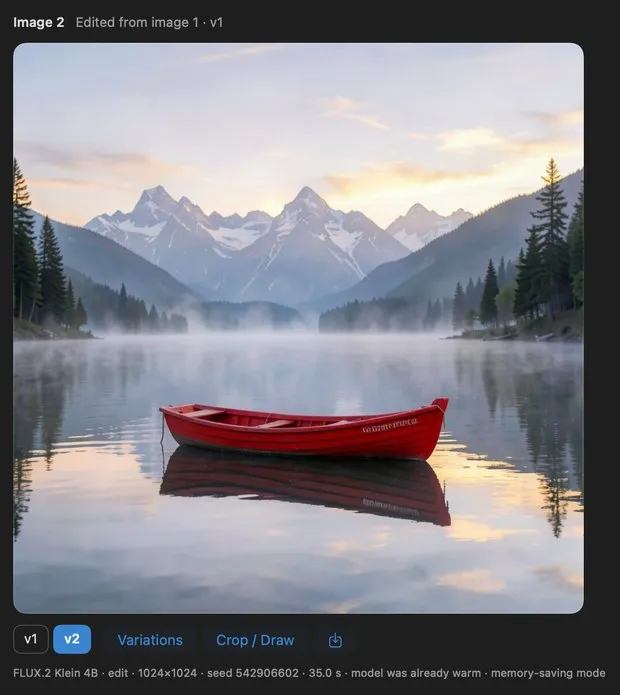
make a variation
You talk. It writes the prompt.
A small agent on your Mac reads your chat and its images, and plans each message in a few seconds (about 3–10 s). Then it steps aside, so the image model gets the memory.
- 1
Knows what you asked for
A new image, an edit, or no image at all. Say "hello" or "thanks" and it just replies.
- 2
Keeps track of your images
Say "make the boat red" and it edits the boat from image 1, even if you have made other images since.
- 3
Writes the prompt for you
A full description for a new image, or a clear edit instruction. No prompt syntax to learn.
- 4
Picks a model for the job
Quick edits go to FLUX.2 Klein 4B. If you added Qwen Image 2.1, exact words in the image go to it. Your choice wins: it never overrides a model you chose.
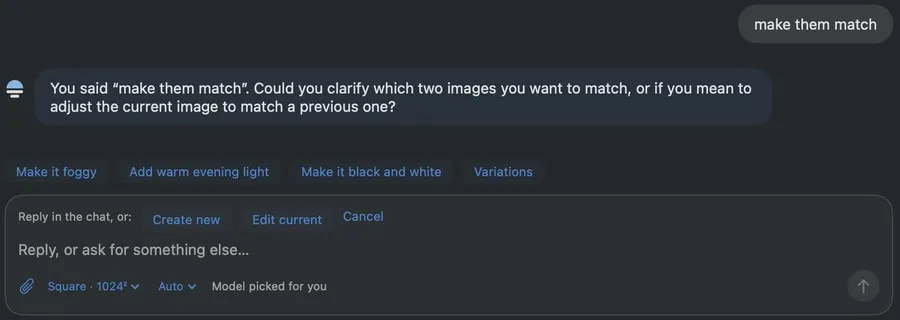
When it isn't sure, it asks one short question instead of guessing.
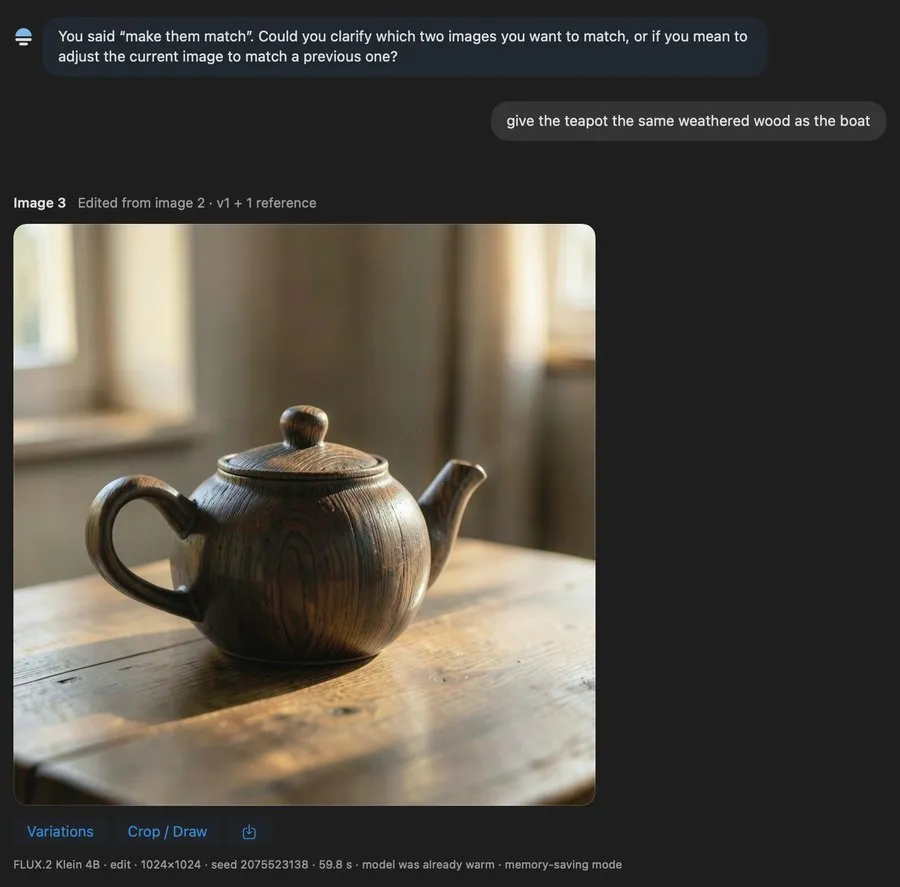
"give the teapot the same weathered wood as the boat" · uses 1 reference image
The agenton your Mac · about 3–10 s
- 1
Reads the chat
- Your message
- and the recent lines of the chat
- The latest image
- or the images you attached
- Every image
- in the chat, listed with its prompt
- The models
- it may pick, and the free memory
e.g."make the boat red" · it sees image 2, a teapot
- 2if it needs to
Looks closer
- Look
- opens up to 3 older images, twice at most
- Read
- the whole chat when the recent lines aren’t enough
- Resolves
- "it", "the first one", "undo the hat"
- Trusts
- what it sees over an old prompt
e.g.looks at image 1 · a rowboat
- 3
Decides and writes
- New image
- a full description, 40–120 words
- Edit
- the image to change, up to 2 references, one clear instruction, then a detailed description of the result
- Model
- on Auto, the one that fits the job, its speed and the free memory
- Or
- one short question when unsure, or a reply when you’re just talking
e.g.edit image 1 · "Make the wooden rowboat red" · FLUX.2 Klein 4B
The image jobafter the plan
- 4plain code
Checks the plan
- Images
- exist in the chat; an edit has one; 3 at most
- Models
- it wasn’t offered are ignored
- Retry
- a plan that fails is sent back once, with the reason
- Still unusable
- it asks you instead of guessing
e.g.image 1 exists · edit is possible
- 5
Makes the image
- Unload
- the agent leaves memory first
- Memory check
- loads the model all at once, in phases, or piece by piece
- Not enough
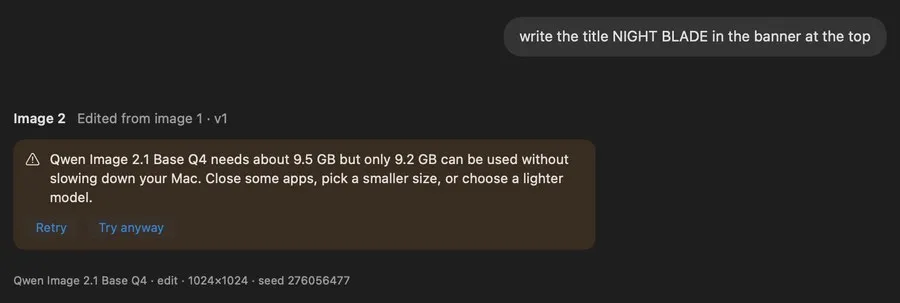
- it doesn’t start: Retry, or Try anyway
- Result
- a new image, or a new version of one
e.g.Image 3 · edited from image 1
It checks memory first, not after your Mac slows down.
Before each image job, dMLX checks how much memory is free. If memory is tight, it loads the model piece by piece. If there still isn't enough, it tells you and doesn't start the job. Tested on a simulated 16 GB Mac; see the known issues.
dMLX doesn't start the job. Choose Retry, or Try anyway, which uses the mode with the least memory and stops if the Mac slows down.
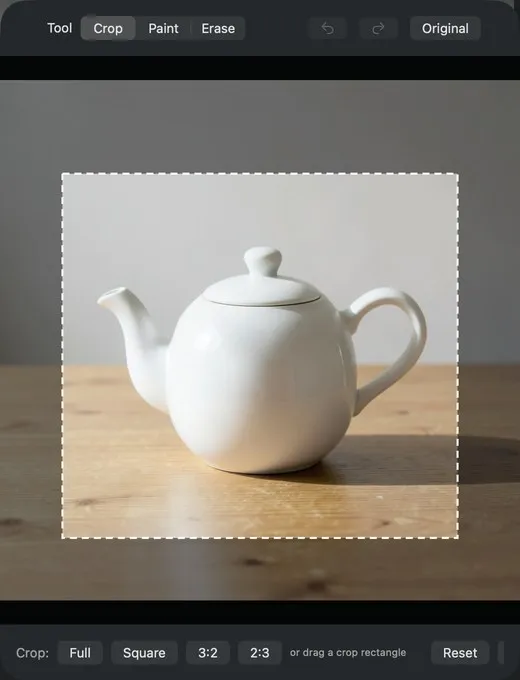
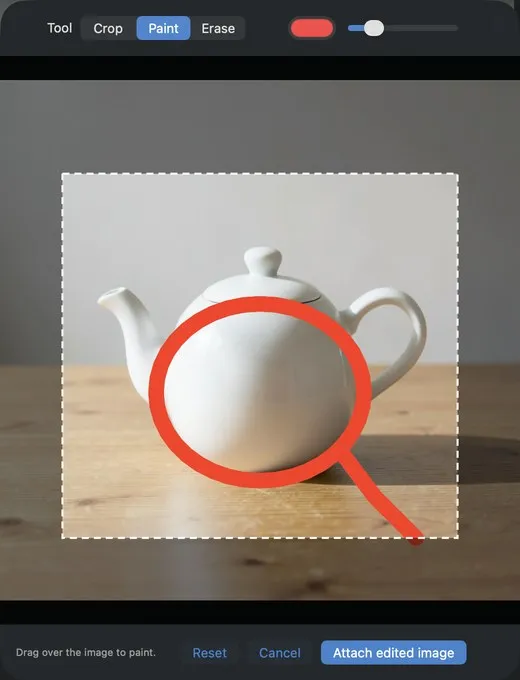
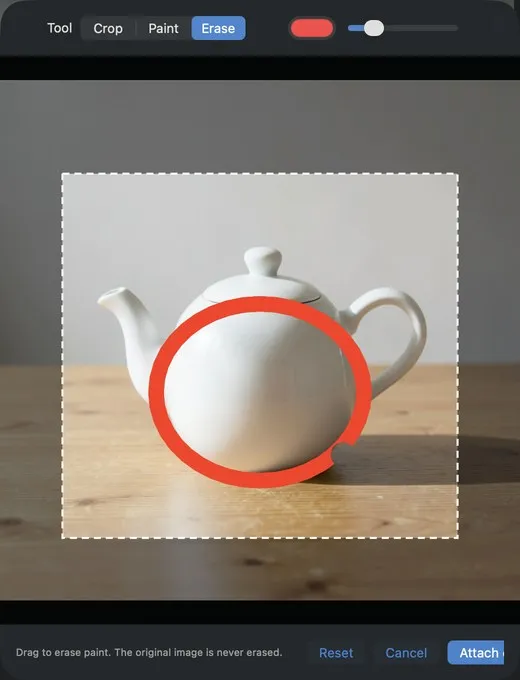
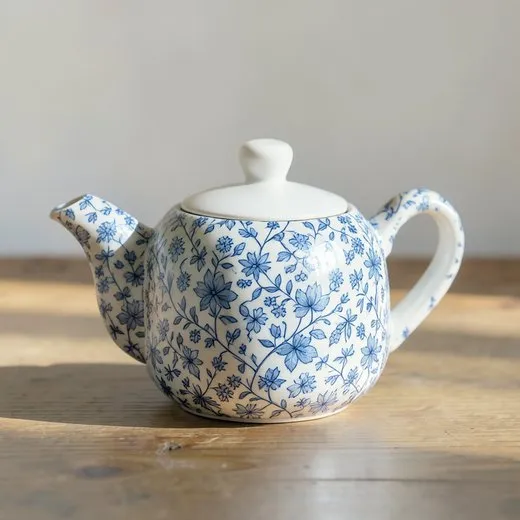
Point at it. Then say what to change.
When words aren't enough, crop to the area you care about, circle what to change, then attach it and say what to do. Ask it to remove your marks too. Your original image is never changed.
Plug it into your own tools.
The engine serves an OpenAI-compatible images API on your Mac. Point any app or coding agent that speaks /v1/images at it, with no per-image fees. To run it on its own, use a clone of the repo.
Engine API reference →# from a clone of the repo: run the engine without the app cd engine && uv run dmlx serve --port 8642 # make an image curl localhost:8642/v1/images/generations \ -H 'content-type: application/json' \ -d '{"prompt": "a rowboat on a lake at dawn", "size": "1024x1024"}'
Let Auto choose, or pick your own.
Start with the recommended models. Add more from inside the app, or paste a Hugging Face link. dMLX checks that it can run the model, shows the size and license, and then downloads it.
Image models
Run through mflux on MLX
| Model | Good at | Download |
|---|---|---|
| FLUX.2 Klein 4B | The default. New images and edits, about 20–40 s per image. | 4.6 GB |
| Z-Image Turbo | New images with more photographic detail. | 5.9 GB |
| Qwen Image 2.1 | Experimental. Best for exact words; about 4 min per image; needs about 9.5 GB free, so it is often refused on 16–24 GB Macs. Non-commercial license. | 10.6 GB |
Also addable: FLUX.2 Klein 9B, FLUX.3 Klein, Z-Image base, ERNIE Image Turbo, MOSS Image, Boogu Image Turbo, Iris 3B Turbo and Krea 2 Turbo. Some of these take minutes per image.
Agent models
Measured on an M5 Mac with 24 GB of memory, 2026-11-01. Default: Qwen3-VL 8B with 24 GB or more, Ministral 3 3B below that.
| Model | Download | Peak memory | Per message |
|---|---|---|---|
| Qwen3-VL 8B | 5.8 GB | 6.2 GB | about 7 s |
| Qwen3.5 9B | 6.0 GB | 6.8 GB | about 7.5 s |
| Ministral 3 3B | 2.8 GB | 4.2 GB | about 5.5 s |
| Qwen3-VL 4B | 3.1 GB | 3.7 GB | about 3.5 s |
Free to download. Three steps to your first image.
Download and install
Open the downloaded .dmg and drag dMLX onto the Applications folder.
Open it the first time
The beta is not notarized yet. Right-click the app, choose Open, then click Open in the dialog.
Pick your models
On first start, dMLX recommends an image model and an agent for your Mac and shows the download size (about 7–11 GB). After that download, it works offline, with no account to create.